
Oxide Shows How to Run Self-Hosted AI Agents on the Oxide Cloud Computer

EMERYVILLE, CA / ACCESS Newswire / October 29, 2026 / Oxide Computer Company today published references for running self-hosted AI agents in virtual machines on the Oxide Cloud Computer. Customers are increasingly asking Oxide the following question: How do I run AI agents on Oxide?
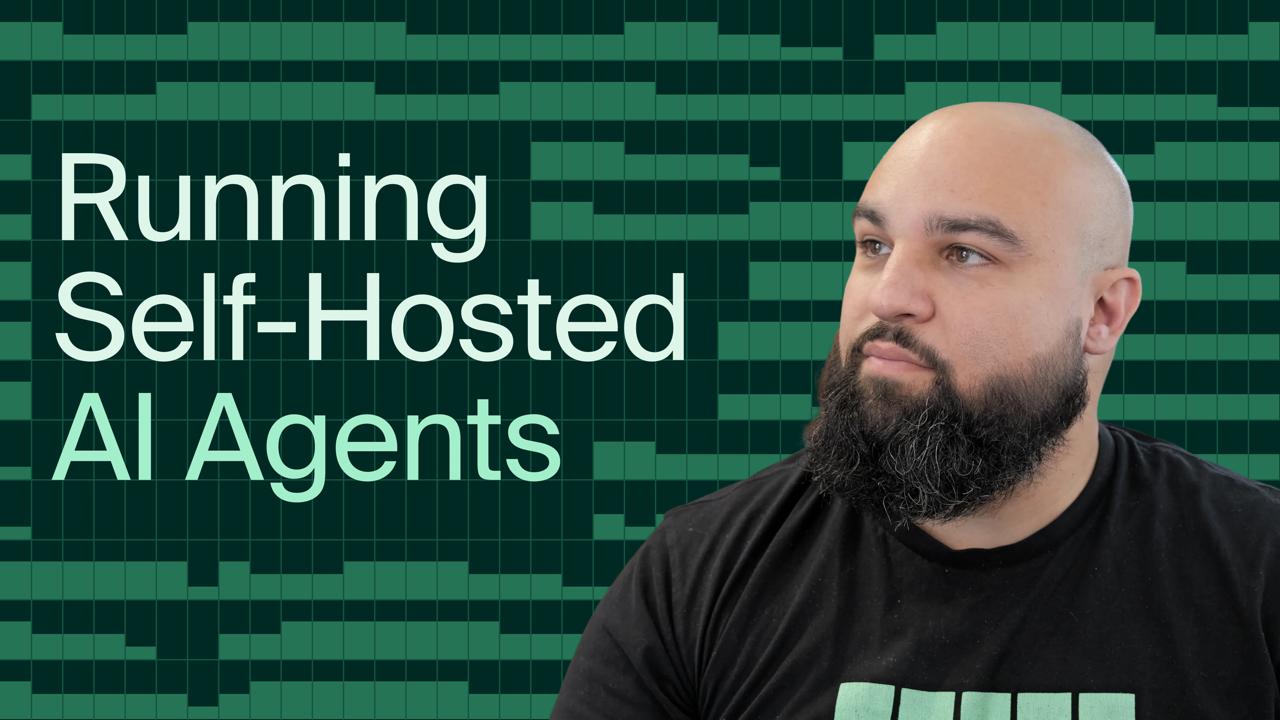
"The initial answer is simple. You run AI agents the same way you run other workloads on Oxide, in virtual machines. Customers already run long-lived services in virtual machines, so running AI agents feels familiar," said Matthew Sanabria, Solutions Software Engineer at Oxide.
However, AI agents aren't exactly long-lived services. They fall somewhere between that and ephemeral CI/CD jobs, depending on how they are used. Run a long-lived agent that provisions sub-agents and it looks like the former. Run an agent to complete a bounded task using /goal and it looks like the latter. Regardless of the use case, the workflow looks like this: provision a virtual machine, run the AI agent in the virtual machine, and clean up the virtual machine.
With that context, the more accurate answer is to run the AI agent's orchestrator as a virtual machine, configured to create ephemeral virtual machines for each AI agent session. Oxide's examples show how this works on the Oxide Cloud Computer using both Claude Code self-hosted environments and Amp self-hosted orbs. These were chosen due to their popularity in the industry and to showcase how different AI agents use certain Oxide features.
AI agents need CPUs
AI agents are just systems that perform inference and execute tool calls in a loop. Put another way, AI becomes "agentic" when GPU-based inference needs CPU-based tool execution.
The AI agent harness (e.g., Claude Code, Codex, Amp) is responsible for running this loop. The harness runs as a process on a CPU, communicating with an LLM over the network. When the LLM requests a tool call, the harness executes it on the CPU it's running on and sends the result back to the LLM. Without a CPU, you can't run the harness or execute tool calls.
Virtual machines, not containers
AI agents need strong isolation for both security and performance. You don't want an AI agent to delete important data or duel with other AI agents and disrupt their execution.
Virtual machines provide stronger isolation than containers, making them well-suited for AI agents. This isolation comes at a cost. Compared with containers, virtual machines take seconds to start rather than milliseconds, keep running when the main process exits, and are larger (GBs rather than MBs). In exchange, each virtual machine runs a separate guest kernel rather than sharing the host kernel.
Using virtual machines instead of containers for workload orchestration raises two questions. How do I provision the virtual machine running the AI agent process? How do I clean up the virtual machine when the AI agent process finishes? These questions are surprisingly difficult to work through, especially when documentation leaves out the details. When Oxide's customers ask how to run AI agents on Oxide, they also ask how to do it specifically with virtual machines, not containers.
Claude Code self-hosted environments
Claude Code self-hosted environments run Claude Code sessions on infrastructure you control, in this case the Oxide Cloud Computer. The orchestrator dynamically provisions ephemeral Oxide virtual machines to run Claude Code and deletes them when finished.
The orchestrator virtual machine is the central component. It's a long-running virtual machine that authenticates to the self-hosted environment and waits for work orders, which are requests to create an ephemeral runner for a user's Claude Code session. When a work order comes in, the orchestrator calls a spawn-runner hook, which creates the ephemeral virtual machine running the AI agent process. When there are no work orders, the number of ephemeral runners scales down to zero.
To make cleanup easier, the ephemeral virtual machine is configured to power off once the AI agent process has finished. A stopped virtual machine is the signal used for cleanup. The orchestrator does not have a cleanup-runner hook, so Oxide's example runs a separate reaper process that periodically polls the Oxide API for stopped virtual machines matching the desired name prefix. When it finds a matching virtual machine, it deletes it and its boot disk, freeing up resources for more Claude Code sessions.
Once everything is wired up correctly, users can select the self-hosted environment when they create a Claude Code session on https://claude.ai.
Amp self-hosted orbs
Amp self-hosted orbs run Amp threads on infrastructure you control, in this case the Oxide Cloud Computer. The provider dynamically provisions ephemeral Oxide virtual machines to run Amp orbs and deletes them when finished.
The Amp orb provider authenticates to Amp and waits for requests to spawn, pause, and delete Amp orbs, which it hands to a dispatch script that uses the Oxide CLI. Amp's pause and delete operations remove the need to rely on a stopped virtual machine as the signal for cleanup. Instead, the script deletes the instance but keeps its boot disk for pause, and deletes the instance and its boot disk for delete. This significantly simplifies the overall architecture and deployment compared to Claude Code self-hosted environments.
Once everything is wired up correctly, users can select the self-hosted orb provider when they create an Amp thread on https://ampcode.com.
The code for both examples is available at https://github.com/oxidecomputer/showcase.
Tomorrow's AI agents
The Oxide Cloud Computer has the right primitives for today's AI agents: virtual machines with strong isolation, disks with solid performance, control over VPC networking, and an elastic API to dynamically provision everything. Even so, Oxide is looking ahead to meet the needs of tomorrow's AI agents. Conversations with current and prospective customers about AI agents have centered around security, scale, cold-start latency, and cleanup.
Security is where most conversations start, especially as the number of reported CVEs increases across the industry. Beyond the strong isolation provided by virtual machines, the Oxide Cloud Computer has silos for tenancy and resource quota enforcement, projects for network isolation, and VPC firewall rules to block undesirable network traffic. Additionally, Oxide's removal of the BIOS, along with the virtual machine attestation work discussed in RFD 605 (https://rfd.shared.oxide.computer/rfd/0605), provides a secure foundation for AI agent workloads.
Customers can create as many virtual machines as they can fit on their Oxide Cloud Computer, and Oxide is working on multi-rack capabilities to expand a silo's capacity beyond a single rack. Once released, this will simplify the management of AI agents across multiple racks.
Oxide's API makes virtual machine provisioning trivial from an operational standpoint, but it can take tens of seconds or even minutes after an API request before a virtual machine is scheduled, booted, and running a workload. This affects users in the form of cold-start latency, which a warm pool can help mitigate, but not entirely eliminate. Oxide's goal is to reduce it as much as possible.
Cleaning up virtual machines is also trivial using the Oxide API, but, depending on the AI agent, there isn't always a simple way to know when the workload has finished. The Claude Code example handles this by treating a stopped virtual machine as the signal that the workload has finished. This requires wrapping the AI agent process in a systemd service that runs poweroff after the AI agent process exits, along with a reaper process to poll the Oxide API for virtual machines to clean up. That is not the best user experience, especially if the AI agent architecture doesn't provide a delete operation, so Oxide is exploring how to make this experience behave like a container that exits when the main process is finished.
The microVM primitive is what some infrastructure providers are using to improve the user experience of running AI agents without sacrificing the strong isolation they've come to rely on from virtual machines. The definition of microVMs can vary across the industry, but discussing them in the context of AI agents has led to internal conversations about what a microVM primitive could look like for Oxide. Oxide's hypervisor team has already tested how quickly it could launch a virtual machine and have it running its workload.
"Turns out we're not far off from popular microVM implementations," said Sanabria. "We don't have anything set in stone, but the conversations about microVMs are proving to be fruitful and are being validated by customer requests. We're well-positioned to release a better primitive for running AI agent workloads with a focus on security, scalability, cold-start latency, and cleanup, taking inspiration from microVMs."
Organizations interested in running AI agents on Oxide can contact Oxide at https://oxide.computer/contact. A video of Claude Code and Amp AI agents running on Oxide is available at https://www.youtube.com/watch?v=6DGsPHFask8, and the full technical walkthrough is available at https://oxide.computer/blog/self-hosted-ai-agents.
About Oxide
Oxide Computer Company is the creator of the Cloud Computer, a rack-scale system with fully unified hardware and open-source software purpose-built to deliver hyperscale cloud computing to on-premises data centers. Oxide gives developers the elasticity, programmability and unified control of the cloud while enabling enterprises to retain ownership of their infrastructure for greater security, latency, sovereignty and cost predictability. Founded in 2019, Oxide is based in Emeryville, California.
Media Contact
All other trademarks are the property of their respective owners.
SOURCE: Oxide Computer Company
View the original press release on ACCESS Newswire
The articles, information, and content displayed on this webpage may include materials prepared and provided by third parties. Such third-party content is offered for informational purposes only and is not endorsed, reviewed, or verified by Morningstar.
Morningstar makes no representations or warranties regarding the accuracy, completeness, timeliness, or reliability of any third-party content displayed on this site. The views and opinions expressed in third-party content are those of the respective authors and do not necessarily reflect the views of Morningstar, its affiliates, or employees.
Morningstar is not responsible for any errors, omissions, or delays in this content, nor for any actions taken in reliance thereon. Users are advised to exercise their own judgment and seek independent financial advice before making any decisions based on such content. The third-party providers of this content are not affiliated with Morningstar, and their inclusion on this site does not imply any form of partnership, agency, or endorsement.
Popular

5 Stocks to Buy Trading at Big Discounts

2 Undervalued Stocks to Buy With Long-Term Growth Ahead

The Market May Be Too Pessimistic About This 4-Star Dividend Stock

What 7 Key Market Indicators Are Telling Investors Right Now


 United States