
Morningstar's pre-defined views
Learn the basics of Morningstar's pre-defined screens.
When you create a new screen, you’ll automatically be opted into the Summary view from Morningstar’s pre-defined views. These views otherwise vary by investment type, and you can open a drop-down menu of other available views by selecting View.
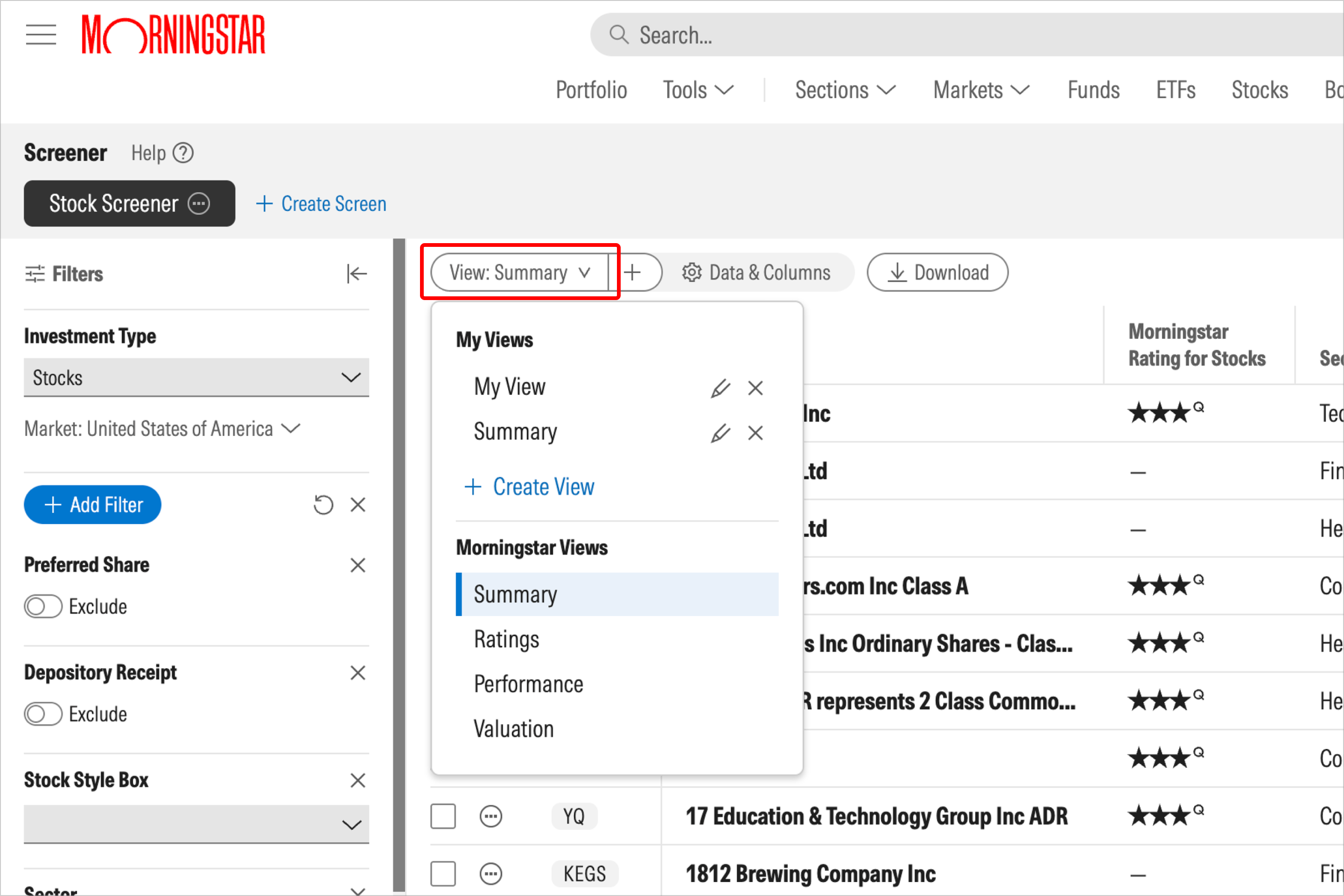
These pre-defined views highlight the data points and criteria that we believe to be the most important when evaluating investments through specific lenses, such as judging stocks by performance, mutual funds by price, and ETFs by sustainability.

 United States