
Delete a portfolio
Permanently delete a portfolio and its holdings.
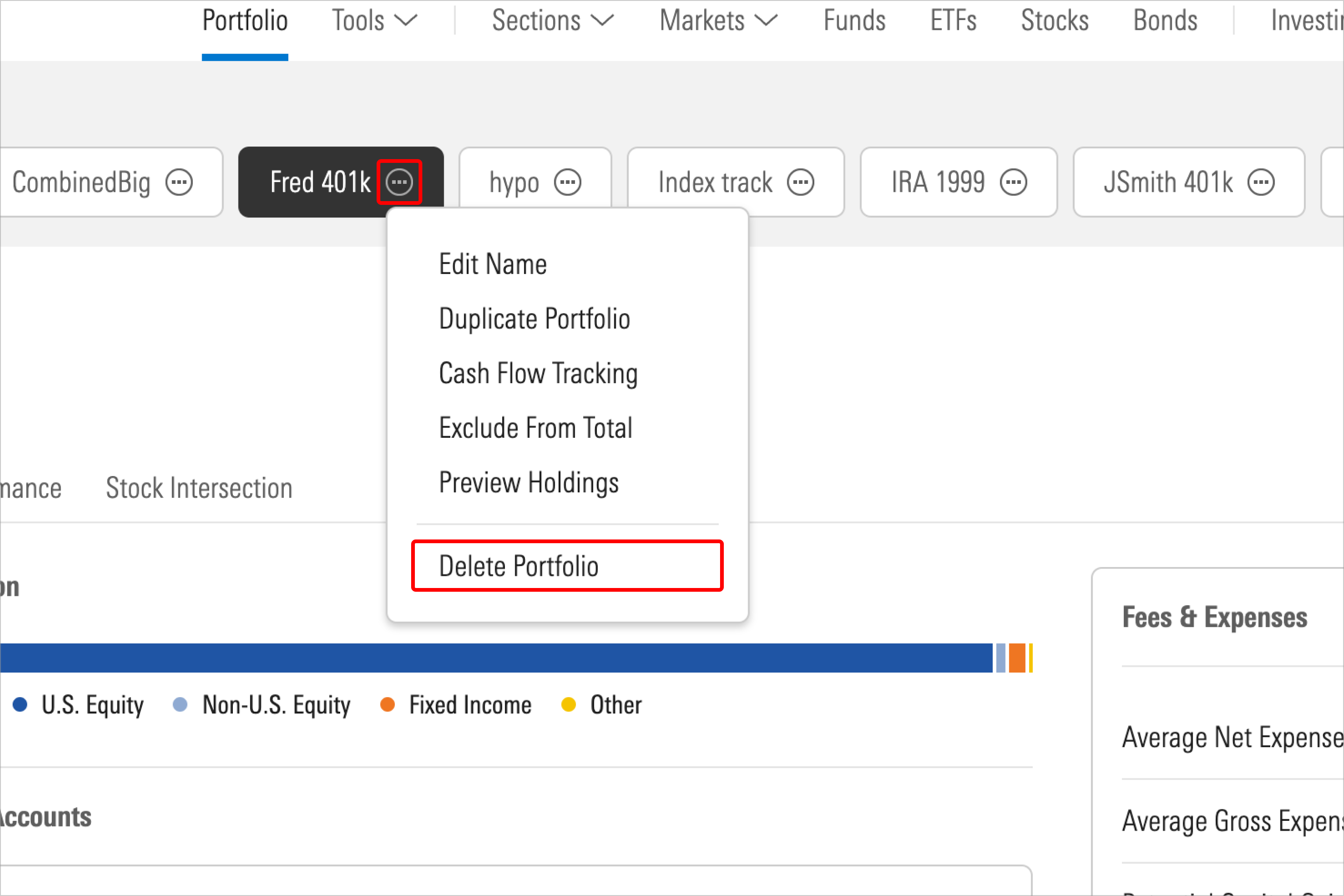
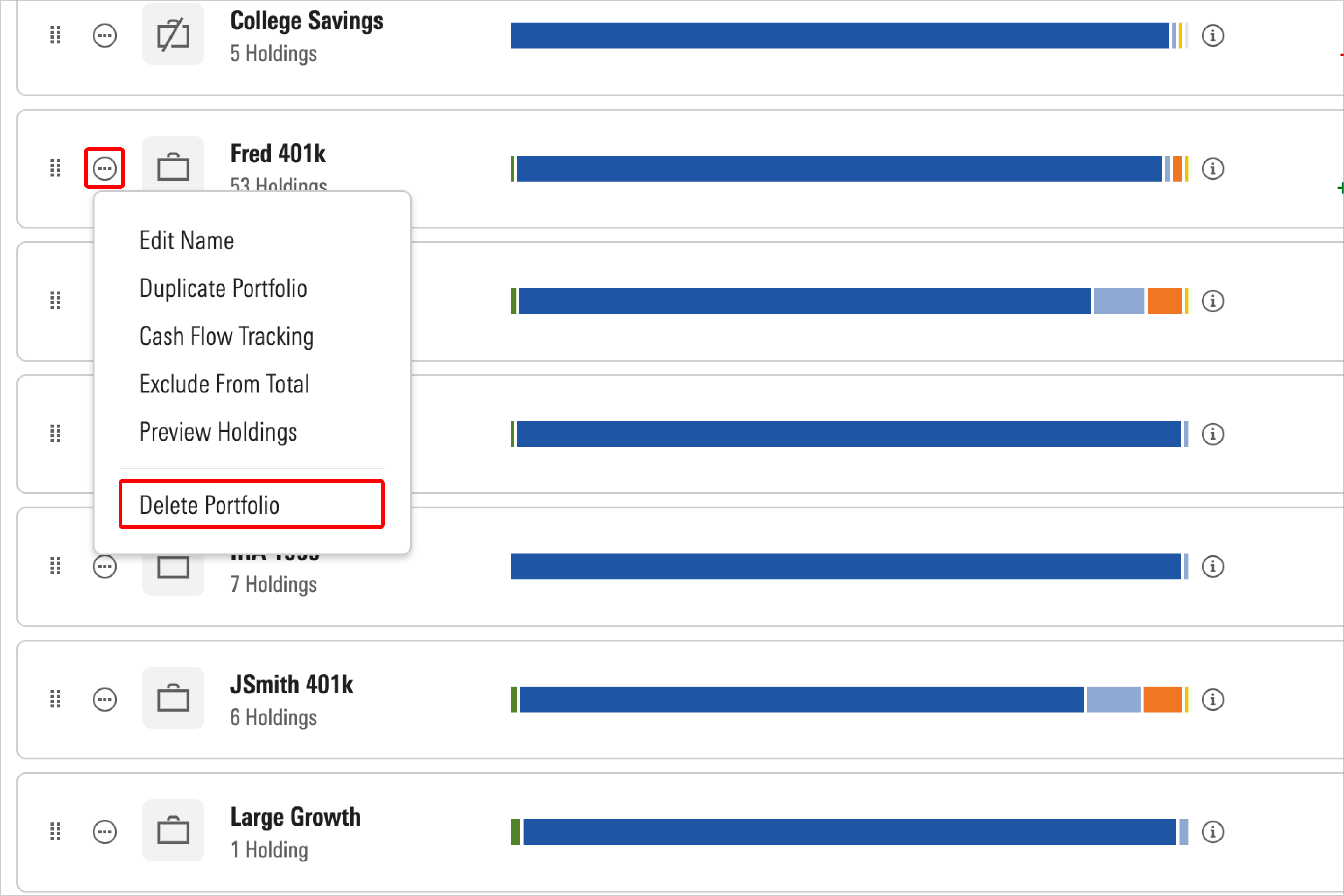
Click the Actions button next to the portfolio you wish to duplicate, then select Delete Portfolio from the drop-down menu.
Remember that if you delete a portfolio, all related history will be permanently removed from your account. You can download your portfolio data before deleting if you'd like to keep a copy for your records.

 United States